Classes & Marksman Mastery
Find the Classes stall in camp to compare available classes. The recorded Marksman Mastery screen shows skill nodes you can inspect before using Learn.
Finding the Classes Stall at Camp
Look for the Classes stall beside the squad pads in camp. Roblox names Marksman and the Titan robot among the available classes. Read the available class and skill text before choosing a loadout for the next run.
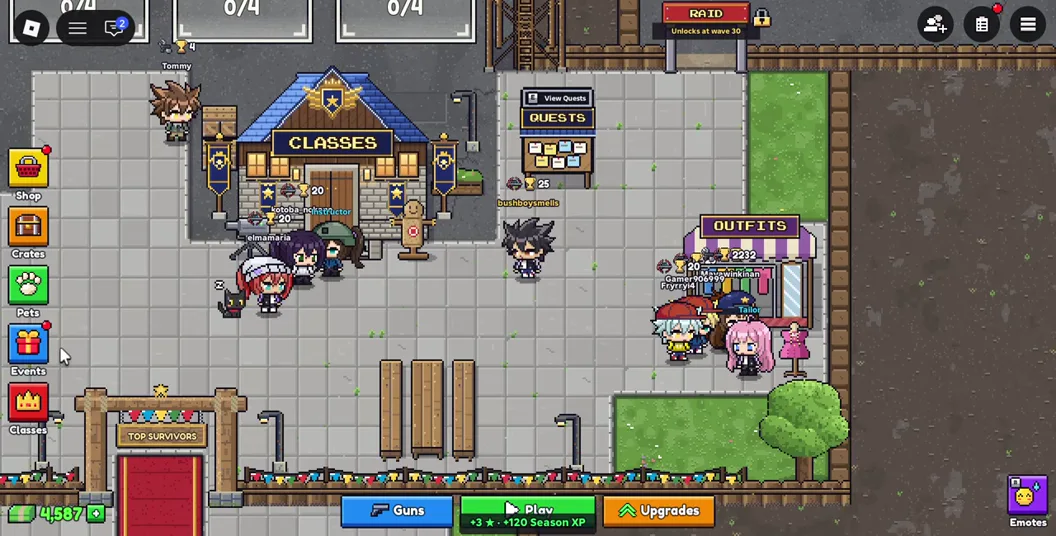
If you are learning a map, use a familiar class and concentrate on keeping a route open. Change the class on a later run when you have a specific role or skill you want to compare.
Navigating the Class Mastery Screen
The recorded Marksman Mastery panel shows a ring of skill nodes and a Learn button. The panel asks the player to pick a node to see what it does.
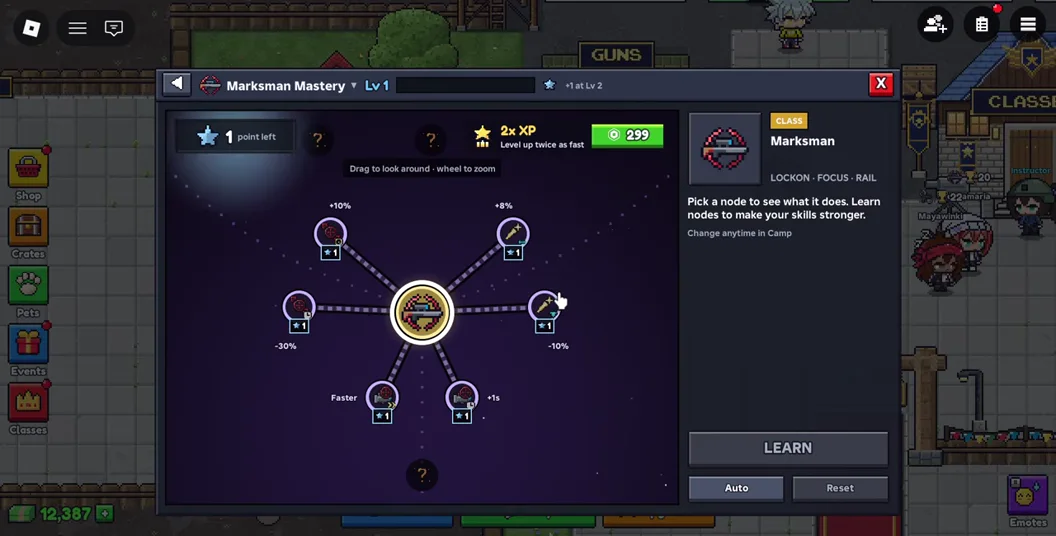
- Select a visible node and read the description on the panel.
- Compare that description with a problem you had in your last run, such as clearing a lane or dealing with a crowd.
- Check the available learning points and any on-screen requirements before using Learn.
Choosing a Class and Coordinating a Squad
Decide which route each teammate will watch before the wave starts. One player can cover a long approach while another watches the crossing the squad plans to use if it gets pushed back. A player setting up a defense should tell the others where it is so the whole squad can plan around it.
Try changes on the same map and difficulty. If a new class makes the squad abandon its escape route or spend more time checking its skills during waves, return to a familiar pick while the group learns the map.